In short: An uptime guarantee is a hosting provider's commitment, expressed as a percentage, that your service will stay reachable during a given period. The gap between 99.9% and 99.99% looks small, but in a 30-day month it is the difference between about 43 minutes and about 4 minutes of downtime. When you compare offers, look less at the percentage and more at how downtime is measured, what is excluded and what happens if the target is missed.
Below we turn each percentage into minutes, list the contract terms to read, explain what the guarantee does not cover and show how to set up your own monitoring.
Uptime is the share of time a service is running and reachable. An uptime guarantee turns that share into a written target in a service level agreement (SLA): the provider says "your service will be available at least this much during this period" and states what it will do if the target is missed. The Embracing Risk chapter of Google's Site Reliability Engineering book defines availability the same way: uptime divided by the sum of uptime and downtime.
An uptime guarantee is not insurance. After an outage it usually returns part of the fee you paid as a service credit, not the sales you lost. Its real value lies in the infrastructure the provider runs to avoid outages and in how fast it reacts when one happens.
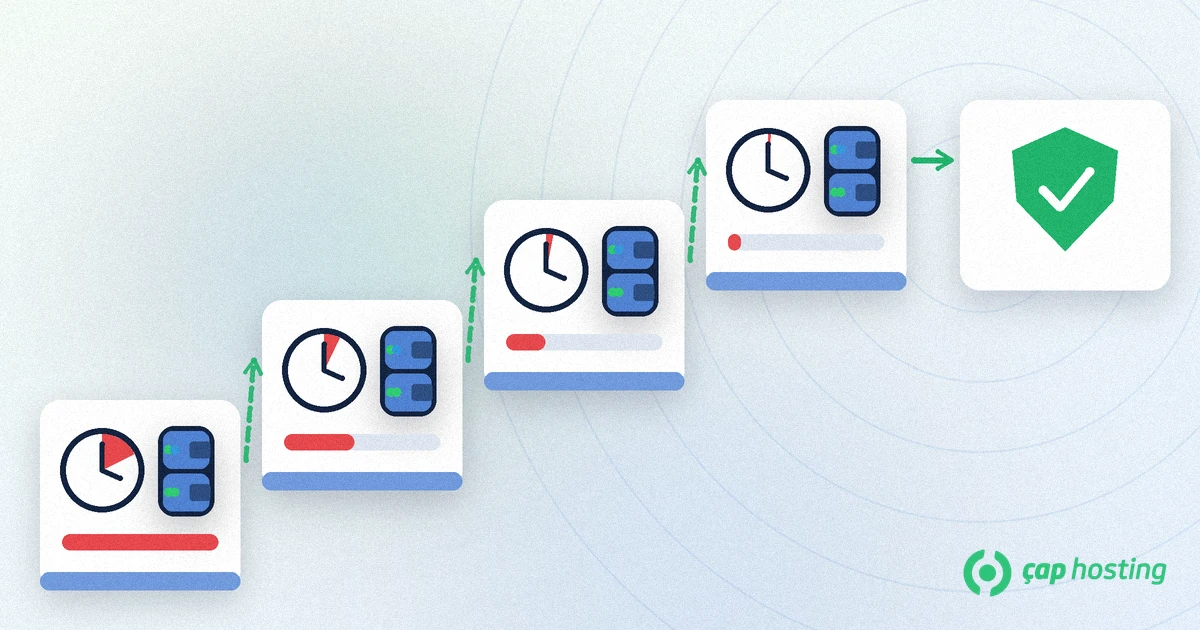
Turning percentages into minutes is simple arithmetic: a 30-day month has 43,200 minutes and a 365-day year has 525,600 minutes. The allowed downtime is the part not covered by the guarantee. For 99.9%, that is 43,200 × 0.001 = 43.2 minutes per month.
| Uptime | Allowed downtime in a 30-day month | Allowed downtime in a 365-day year |
|---|---|---|
| 99% | 7 h 12 min | 3 days 15 h 36 min |
| 99.5% | 3 h 36 min | 1 day 19 h 48 min |
| 99.9% | 43 min 12 s | 8 h 45 min 36 s |
| 99.95% | 21 min 36 s | 4 h 22 min 48 s |
| 99.99% | 4 min 19 s | 52 min 34 s |
Each extra "nine" cuts the allowed downtime by a factor of ten. The SRE book uses the same calculation to show that a 99.99% target allows up to 52.56 minutes of downtime per year. Note that a monthly 99.9% target does not count a single 43-minute outage as a breach. That may matter for an online shop but is usually fine for a brochure site, so choose the level your business can live with.
The same percentage can hide very different promises. Look for these terms:
The guarantee covers the provider's infrastructure. Many reasons why your site can be unreachable sit outside it:
Projects that need very high availability may call for a server with dedicated resources instead of shared hosting. You will find the differences in our comparison of shared hosting, VPS and dedicated servers.
The provider's report should not be your only source. Simple external monitoring takes a few minutes to set up:
An uptime guarantee shows the provider's availability target and what it does if the target is missed. 99.9% means about 43 minutes of downtime per month and 99.99% about 4 minutes, but the real differences lie in the measurement method, planned maintenance and exclusions. Read the contract with that in mind, set up your own monitoring, and manage the application, domain and backup side yourself, because the guarantee does not cover them.
About 43 minutes 12 seconds in a 30-day month and about 8 hours 45 minutes in a 365-day year. It is the one-tenth of a percent of total time that the guarantee does not cover.
In most contracts the provider returns part of your fee as a service credit. Check the rate, the claim deadline and the cap in the contract, and keep your own outage records.
It depends on the contract. Many providers exclude maintenance that was announced in advance. Ask your provider how early maintenance is announced and how long it can last.
The site can fail while the server is running, for example because of an application error, a resource limit, an expired domain or a wrong DNS record. Note the error message and the time and open a support ticket so the layer causing the problem can be found.
 Copyright © 2026 All Rights Reserved

 Turkey (Türkçe)
 Worldwide (English)