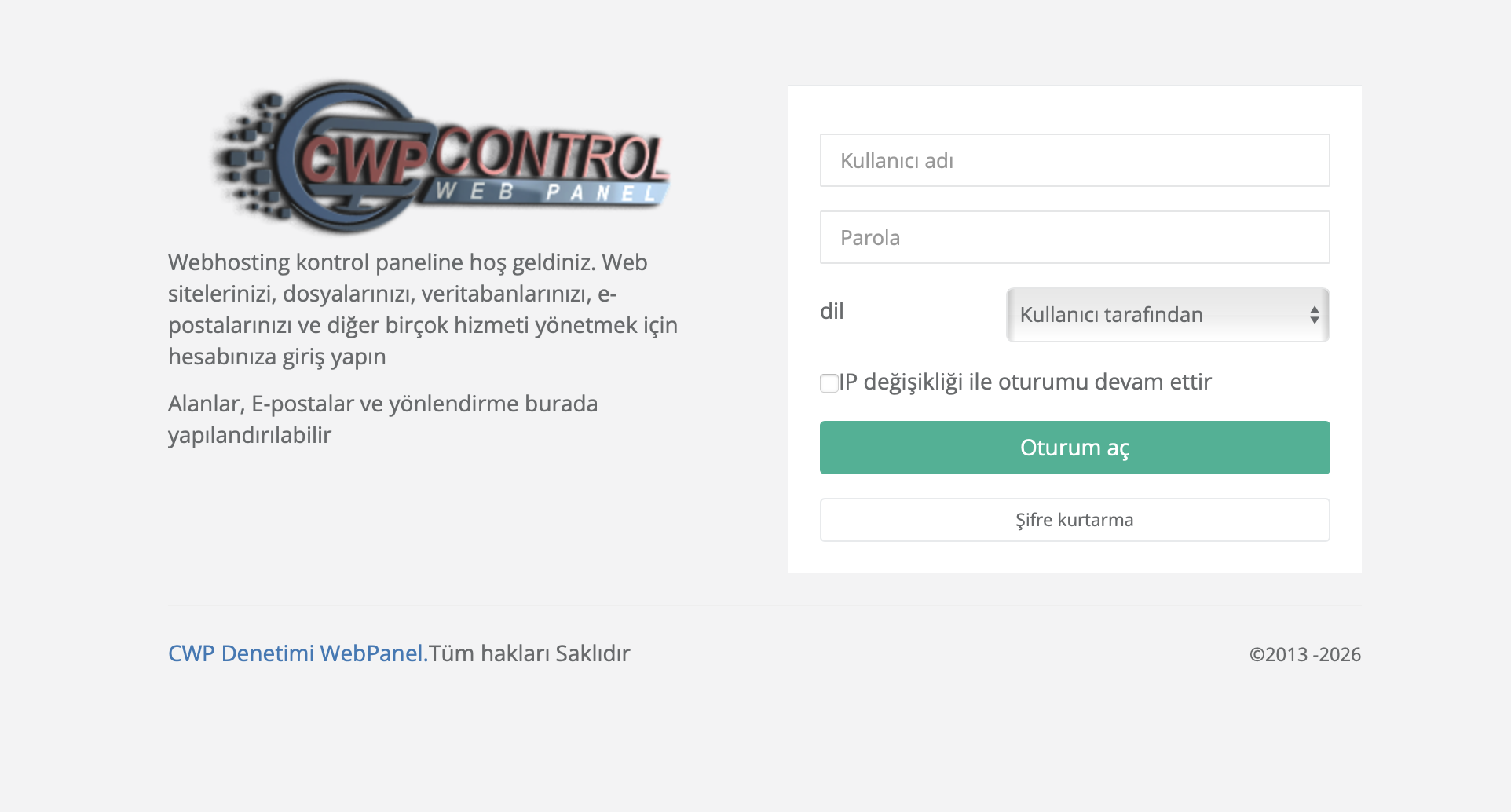
Control Web Panel (CWP) is a powerful and user-friendly hosting control panel that allows you to manage your web hosting account efficiently. With CWP, you can manage your websites, email accounts, databases, FTP users, and many other hosting features from a single dashboard.
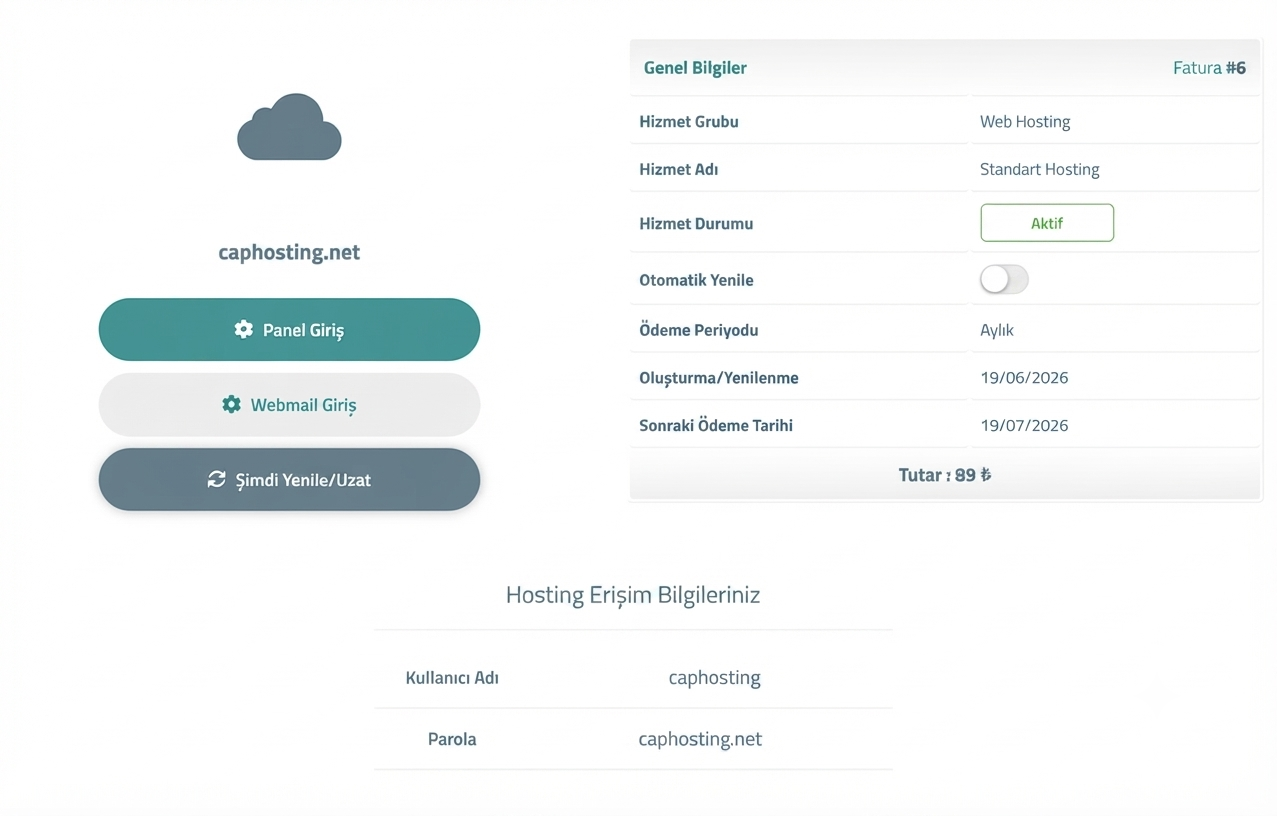
If you experience login issues, try the following:
If the issue persists, please contact the ÇAP Hosting support team for assistance.
You can log in with the username and password that were emailed to you when your hosting account was created. The login address is usually your server IP address or your domain, in the form https://serveraddress:2087.
You can use the 'Forgot Password' link on the login screen, or contact the ÇAP Hosting support team to have your password reset.
Yes. You can enable two-factor authentication in the CWP panel to increase security. The setting is available in the security section of the panel.
 Copyright © 2026 All Rights Reserved

 Turkey (Türkçe)
 Worldwide (English)