In short: Open support ticket hosting panel work means describing the problem with enough context and attachments so the team can diagnose quickly. A complete ticket shortens back-and-forth; a vague one stretches it.
At ÇAP Hosting you reach support from the client area: after login, open Destek Taleplerim / support tickets to view and create tickets. If you need login help, see how to log in to the CWP panel and the broader hosting control panel guide. Our 24/7 technical support notice summarises coverage.
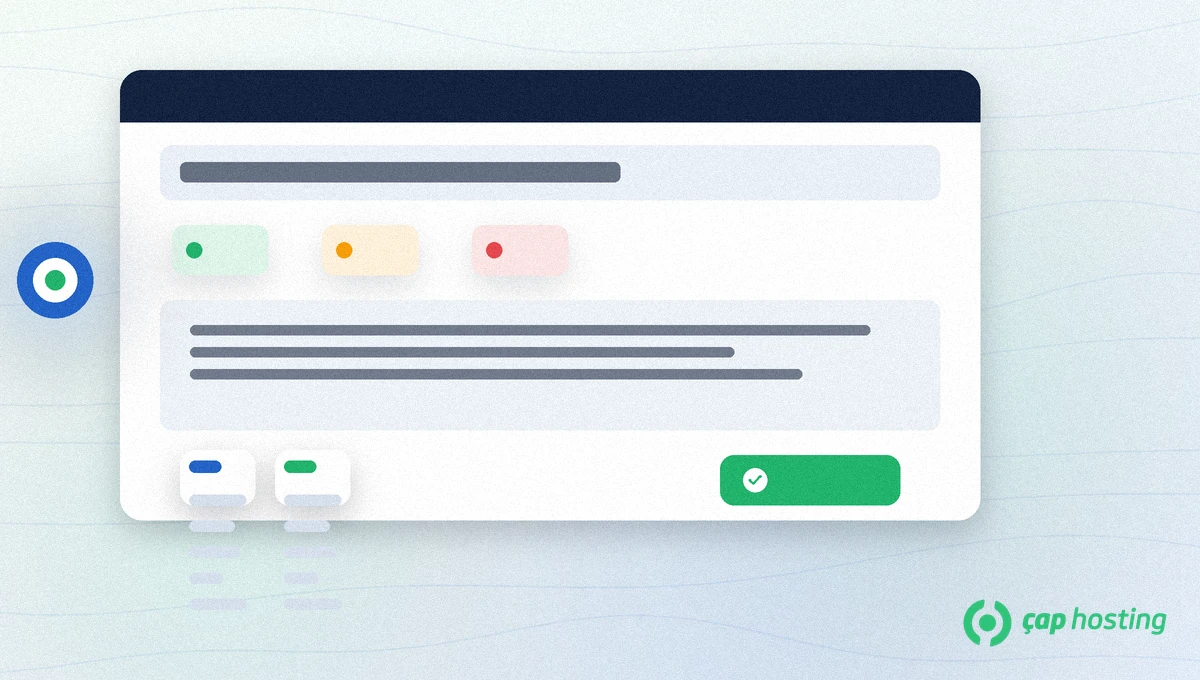
Hosting outages, mail delivery failures, SSL warnings, post-DNS access issues and panel tasks you cannot complete are good ticket topics. Custom code, theme design or third-party SaaS accounts usually stay with the site owner — support can still help separate “server vs app” with logs.
For security incidents (defacement, unknown admin users) open a high-priority ticket and consider maintenance mode. Redact passwords in log attachments. Opening a support ticket from the hosting panel is the fastest official channel in those cases.
One more note: the habit of opening a clear support ticket also trains your team. Recurring mistakes (wrong DNS, expired card, wrong SMTP port) spotted in tickets should update your knowledge base and checklists so the next user can self-serve before asking again.
Still unsure? Use contact; for technical cases Prefer Destek Taleplerim.Weak: “Site broken, fix ASAP.” Missing domain, start time and error.
Strong: “example.com returns 502 since 03.10.2026 11:40 Europe/Istanbul. Last change: plugin X updated at 11:20. Attached: browser screenshot and response headers.” Support can start diagnosis immediately.
For mail issues, note which client settings you already verified. If you changed DNS or PHP in the panel, include the timestamp — timelines separate “your side / our side” faster.
Answer inside the same ticket thread. After you run a requested test, report before/after clearly. When fixed, mark the ticket resolved or leave a short note so both sides close the loop.
If the symptom returns days later, open a follow-up that references the previous ticket id. Opening a support ticket from the hosting panel is less about filling a form once and more about keeping the incident lifecycle traceable.
After signing in, use Destek Taleplerim (/hesabim/destek-taleplerim) to create a new ticket.
It depends on priority and load; see the 24/7 support notice. Choose priority carefully for outages.
No. Never send passwords or card data in the ticket.
No. Continue on the same thread to keep context.
 Copyright © 2026 All Rights Reserved

 Turkey (Türkçe)
 Worldwide (English)